Basic Islands
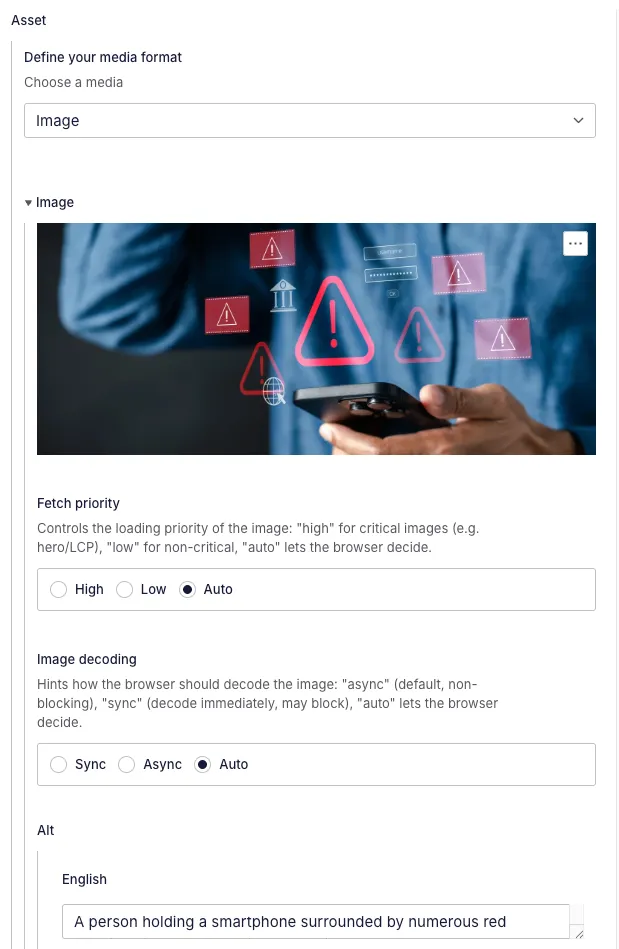
Displays a selector to choose from image or video and all necessary information for each of them.
background
Section titled “background”Allows the user to select the background of a module, between Cream or Navy. Uses the option island inside.

boolean
Section titled “boolean”Shows a boolean with a description. False booleans are stored as null in Sanity’s Content Lake.

button_link
Section titled “button_link”Adds a button to the page. This button can have different behaviours, depending on the option chosen by the user. These options are:
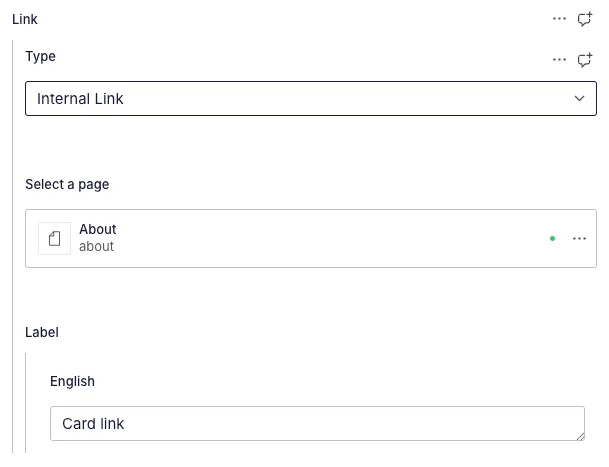
- Internal link: allows to choose a reference from the site
- External link: allows to write in an external URL
- Open modal: clicking the button opens a modal that can have:
- Text + form: a title, optional subtitle and a form chosen from a list of available forms from Marketo
- Title + content: a title and a rich text field
- Video: most videos in the page are in reality a button that opens this type of modal, that contains the embedded player. This improves performance by never loading a video on page load.
- Anchor to section: gives a list of all modules present in the page to anchor to any of them
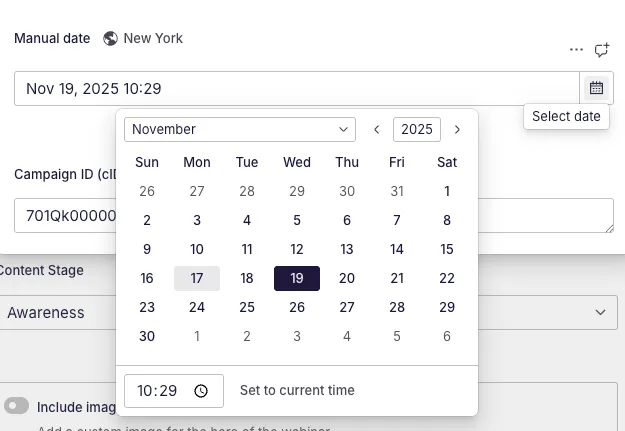
Displays a date picker. By default, this contains a time picker too, but that can be disabled. It uses and displays the America/New York timezone.
external_reference
Section titled “external_reference”Used to add an external URL. It has regex validation for URL formatting.

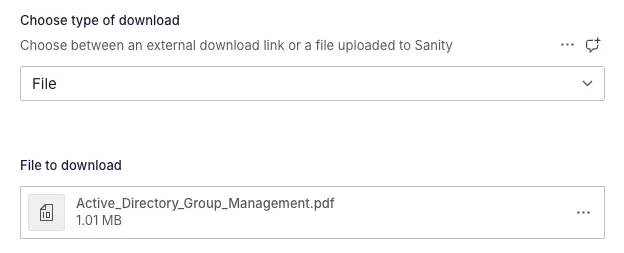
Allows file uploading. Has a selector to choose if the user wants to use a literal file stored in Sanity or a link to an external file.
Contains all information related to uploading an image (fetch priority, decoding, alt and the image itself)
number
Section titled “number”Numerical input with min/max validation.

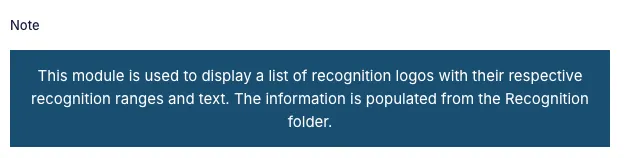
Displays an informative note. Used mainly for global modules that do not allow to choose anything but get the information from a global option.
option
Section titled “option”Displays a selector or a set of radio buttons, accepts a list of options with value and label and a layout type.

reference
Section titled “reference”Allows the user to select a relationship from the document they’re in to another published document in the project. This island accepts the type or types of documents to be displayed and the option to prevent the user from creating new documents from this island. It also accepts a filter.

repeater
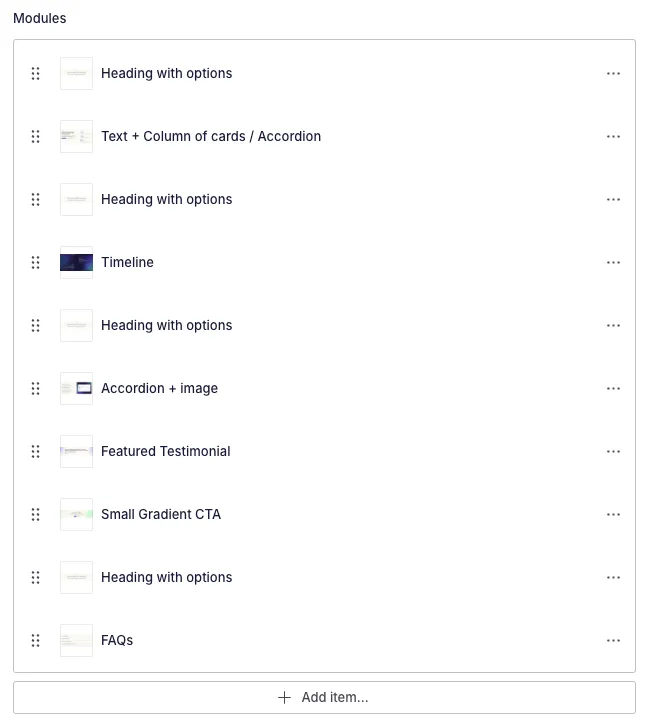
Section titled “repeater”Creates a list of repeatable fields. It can receive any type of field. It accepts a preview object that defines what is going to be seen as title, subtitle and image for each element. It also accepts a max / min number of elements.
spacing
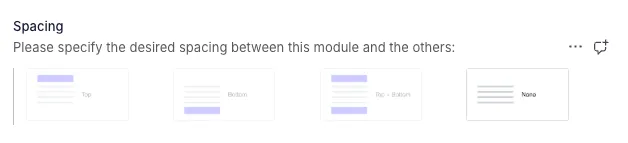
Section titled “spacing”Used to define the spacing between a module and the previous / next one. It is connected to the front-end to define margins and paddings.
subtitle
Section titled “subtitle”A text field to be used as subtitle for a document.
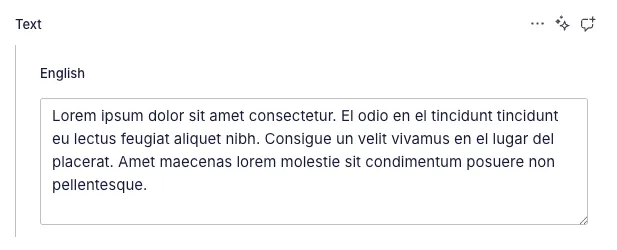
A regular text input. It can receive the amount of rows to display by default. It does not allow rich text.
thumbnail
Section titled “thumbnail”Displays the thumbnail of the selected module / hero. This image comes from the static folder.
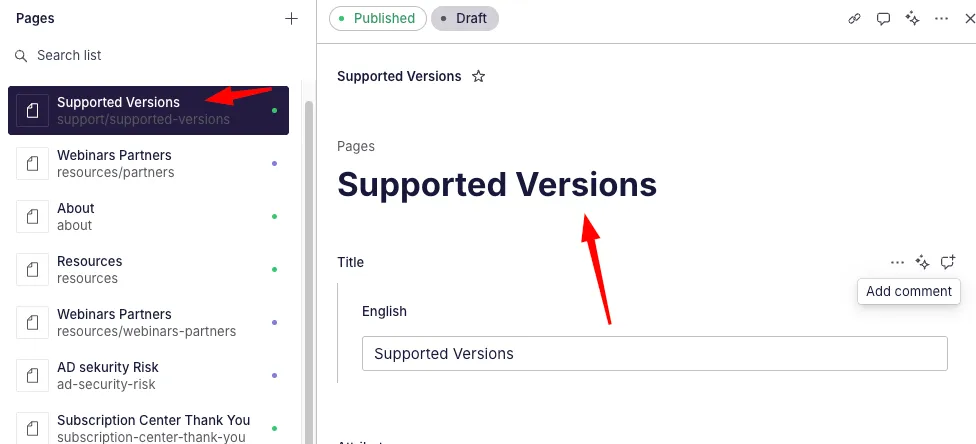
Text input that acts as document title and is associated to the title that is shown in the sidebar.
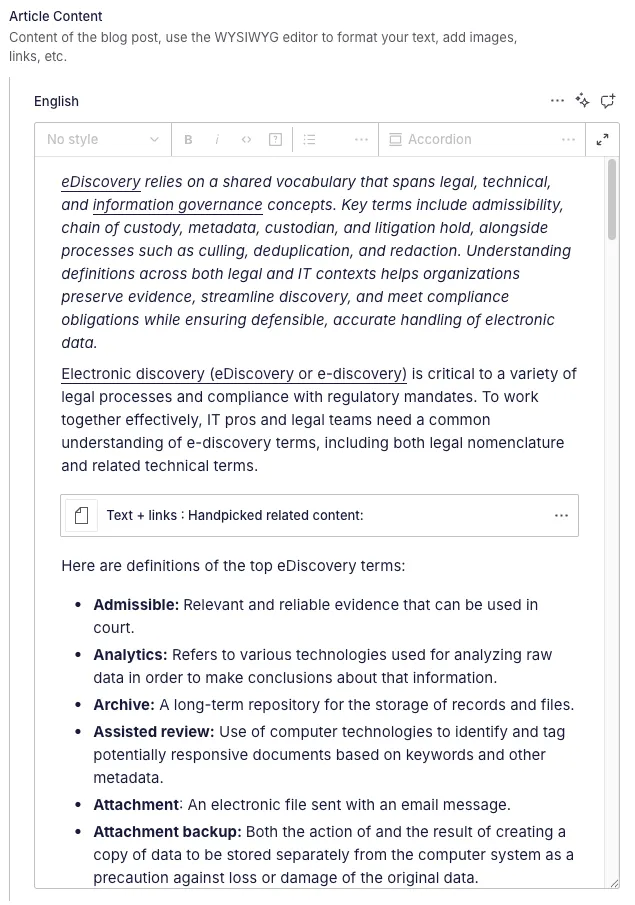
wysiwyg
Section titled “wysiwyg”Rich text (also called Portable Text) field that allows for text formatting. We also have a series of custom modules embedded in this rich text field, meaning that we can embed a button, a form, an accordion… all inside this field.
All of these extra modules are inside island/wysiwyg/types.