Search
Search System Overview
Section titled “Search System Overview”The search functionality provides a unified experience powered by Algolia. The flow begins when the user types into the search bar and ends with formatted results displayed in the UI.
Architecture:
User Input → Header.js → Search.js → /api/v1/Algolia/ → Algolia API → Render ResultsInitialize Search
Section titled “Initialize Search”The search functionality begins in Header.js, where the search button and input field are instantiated. When a user types into the search field, the component triggers the Search class, which is responsible for:
- Debouncing user input to avoid excessive API calls
- Communicating with the backend API endpoint
- Rendering formatted search results in the UI
Search Request
Section titled “Search Request”When the user enters a query, the searchAlgolia() method sends a request to the backend API:
async searchAlgolia(searchTerm) {    ...    axios.get('/api/v1/Algolia/', {        params: {            searchTerm: searchTerm,            language: this.language,            indexName: 'global',            hitsPerPage: 100        }    }).then(response => {        var data = response.data.data || [];        var resultHtml;
        if (this.errorPage) {            resultHtml = this.setHTMLErrorPage(data, searchTerm);        } else {            resultHtml = this.setHTMLSearchPage(data, searchTerm);        }
        inputSearchResults.innerHTML = resultHtml;
    }).catch(error => {        console.error('Error fetching Algolia data:', error);    });}
Request Parameters
Section titled “Request Parameters”| Parameter | Value | Description |
|---|---|---|
searchTerm | User’s input text | The search query typed by the user |
language | this.language | Current site/UI language |
indexName | 'global' | Forces the search to use the dev_GLOBAL_NET index |
hitsPerPage | 100 | Maximum number of results per search |
API Route: /api/v1/Algolia/
Section titled “API Route: /api/v1/Algolia/”This backend route acts as a secure proxy between the frontend and Algolia. It ensures:
- API keys are never exposed to the client
- Search requests are standardized
- Responses follow a consistent format
Index Selection
Section titled “Index Selection”For both the general site search and the 404 page search, the Algolia index used is dev_GLOBAL_NET. This index contains pages that use single templates or are external redirects.
The Search.js class detects whether the current page is a 404 error page and adjusts the HTML rendering method accordingly:
- Regular search →
setHTMLSearchPage(data, searchTerm) - 404 page →
setHTMLErrorPage(data, searchTerm)
Results Display
Section titled “Results Display”No results found
Section titled “No results found”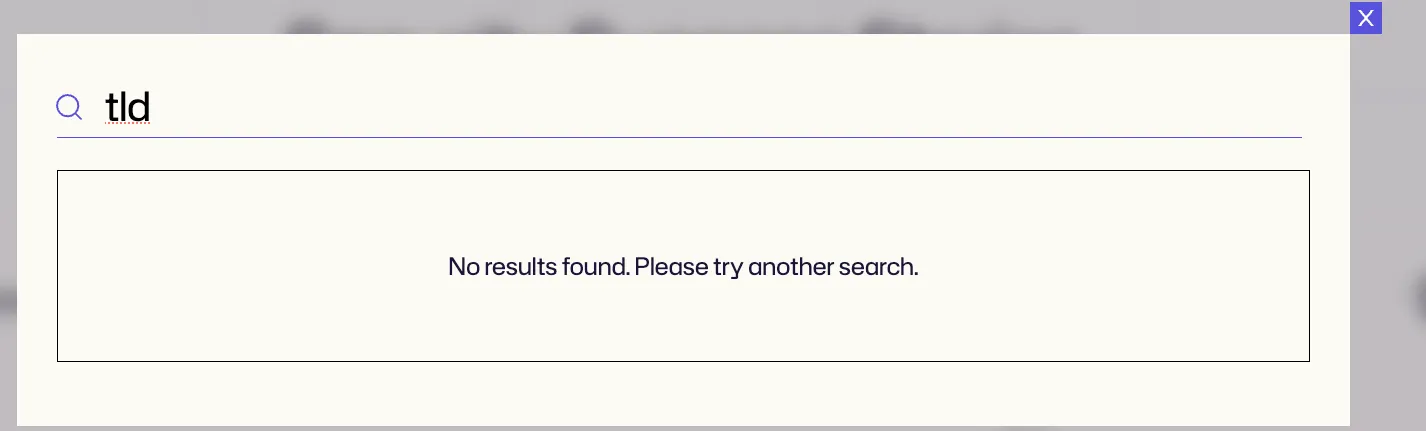
Results found
Section titled “Results found”