Meta Attributes and SEO
We have some fields that will be applied to almost every single document in our project and we do not want to define them each time, so we use a special island called meta_attributes where we store all of them and then call it from all relevant post types.
These all show up in a tabbed island just below the title, like this:
Settings
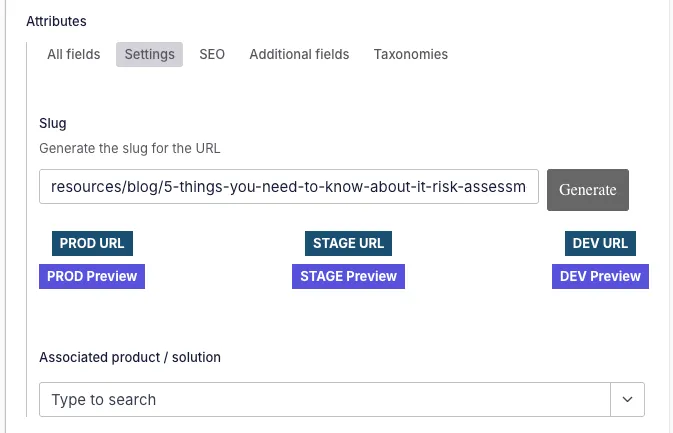
Section titled “Settings”Field with a generate button that detects the document type and adds a pre-slug to the slugified version of the title of the document to create the slug that will be used to retrieve the page when querying in the frontend. This is done in utils/slug.js.
This is a custom component and also has buttons for all relevant URLs directly below it.
It’s present in all document types that need to be displayed in the frontend.
Associated product / solution
Section titled “Associated product / solution”This is a reference field that pulls from all products, subproducts, solutions and associations available in the site to add a code to all Marketo forms present in that page.
Show in index page
Section titled “Show in index page”Toggle whether to show a resource in its associated index page.
SEO fields
Section titled “SEO fields”Meta title
Section titled “Meta title”- Purpose: renders in the HTML
tag and is typically used as og:title if an explicit OG title isn’t provided. Used by search engines to determine relevance and by users to decide whether to click. - Validation: max length at 60 characters and required to publish
Meta description
Section titled “Meta description”- Purpose: shown in search engine snippets and used as og:description fallback.
- Validation: max length at 155 characters and required to publish
OG image
Section titled “OG image”Displayed as a preview when linking a page of the site. There is a ‘general’ OG image for the full site that is uploaded from the Settings section, this one is shown instead of that one when uploaded.
No index & no follow
Section titled “No index & no follow”Prevent indexing and crawling from Google. Prevents the page from appearing in the sitemap and in robots.txt
Internal attributes
Section titled “Internal attributes”Used in some posts to sort in indexes.
Index image
Section titled “Index image”Used in some indexes and displayed in the card of the resource it’s referring to.
Example in Customer Stories:

Additional fields
Section titled “Additional fields”Short description
Section titled “Short description”Shown when a document is referred to in other pages that allow showing a description.
Other image fields:
Section titled “Other image fields:”- Icon- Logo- Featured imageThank you page
Section titled “Thank you page”Used in webinars and podcasts to set up a thank you page for that document.
Taxonomies
Section titled “Taxonomies”There are several sets of taxonomy groups that can be displayed in different documents depending on which taxonomies they need to receive. These are controlled through booleans:
...(showTaxonomies.showGroup ? resourcesTaxonomies({ showCompliance: showTaxonomies.showCompliance, showIndustry: showTaxonomies.showIndustry, showSolutions: showTaxonomies.showSolutions, showTechnology: showTaxonomies.showTechnology, showProducts: showTaxonomies.showProducts, showRegions: showTaxonomies.showRegions, }) : []), ...(showCyberSecTaxonomies.showGroup ? cybersecTaxonomies({ showAttackCategory: showCyberSecTaxonomies.showAttackCategory, showIndustry: showCyberSecTaxonomies.showIndustry, showSeverityLevel: showCyberSecTaxonomies.showSeverityLevel, showTargetSystem: showCyberSecTaxonomies.showTargetSystem, }) : []),Simplified header and footer
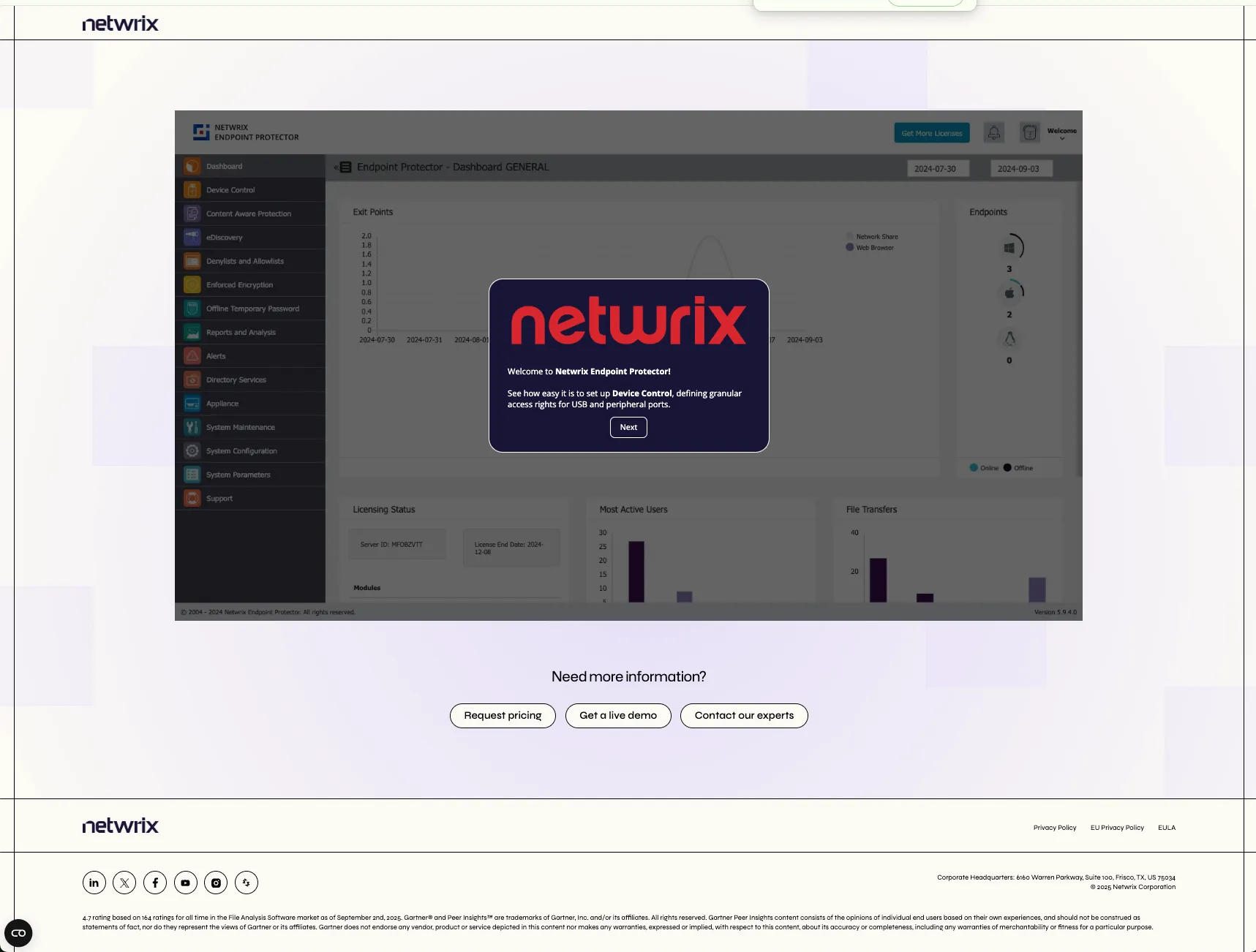
Section titled “Simplified header and footer”This is applied to pages like the download or demo ones, that do not need to have the full header and footer. Instead, they would look like this: